Examples#
pyEMAPS ships with sample scripts for each feature. pyemaps -cp samples copies them into a
pyemaps_samples folder in the current directory, after asking you to confirm. Then run any of
them with python:
pyemaps -cp samples
cd pyemaps_samples
python si_dif.py
pyEMAPS also ships with Jupyter notebooks that walk through the samples step by step.
pyemaps -cp notebooks copies them into a pyemaps_notebooks folder, and pyemaps -cp
copies both. Files already in those folders aren’t overwritten, so copying again keeps your
changes. To read them with their results, without running anything, see the
notebooks folder on GitHub.
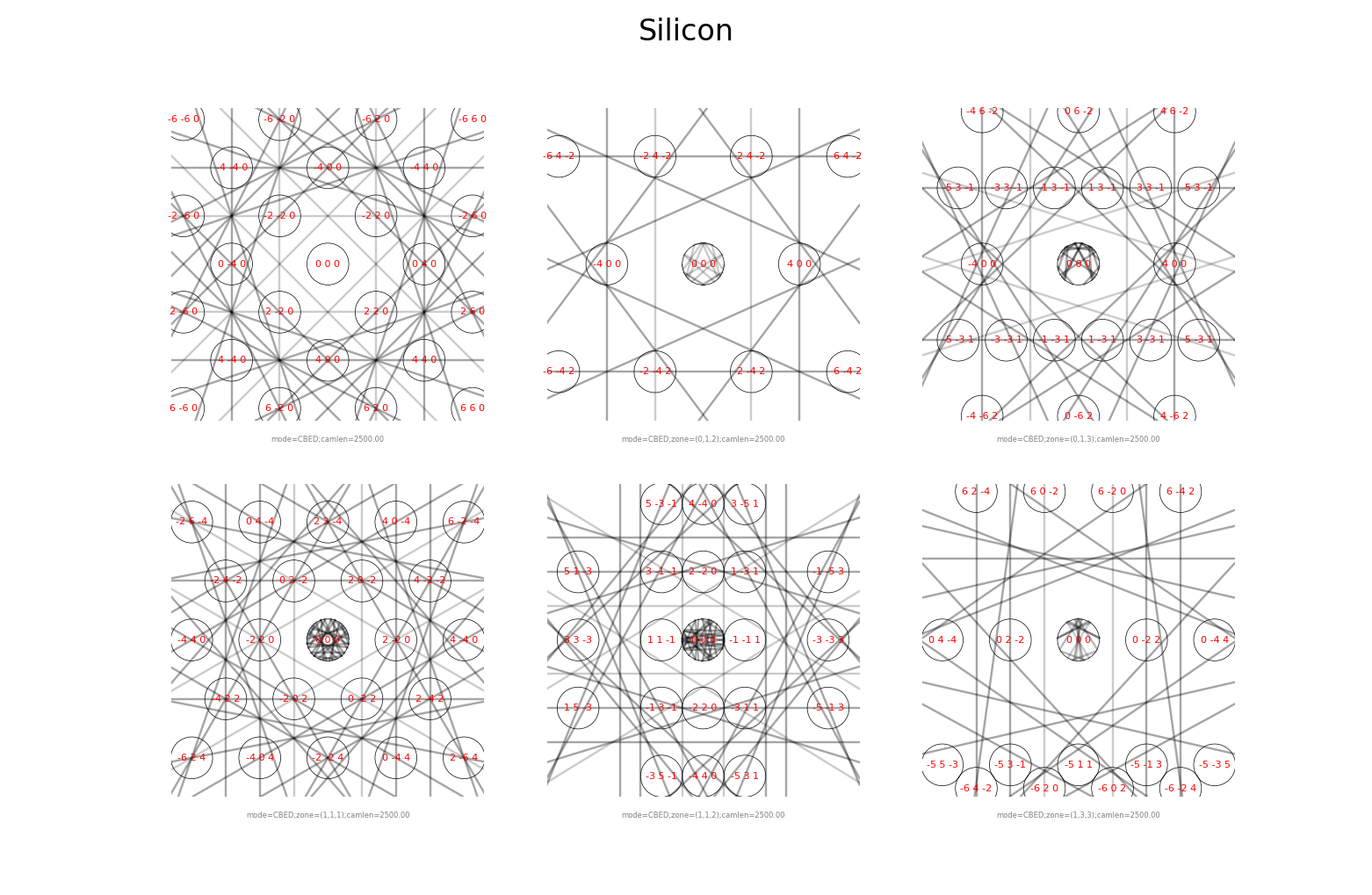
Kinematic diffraction patterns for Silicon, varying one microscope control at a time: tilt, zone axis, deflection, high voltage or camera length. Rendered with matplotlib.
Guide: Kinematic diffraction
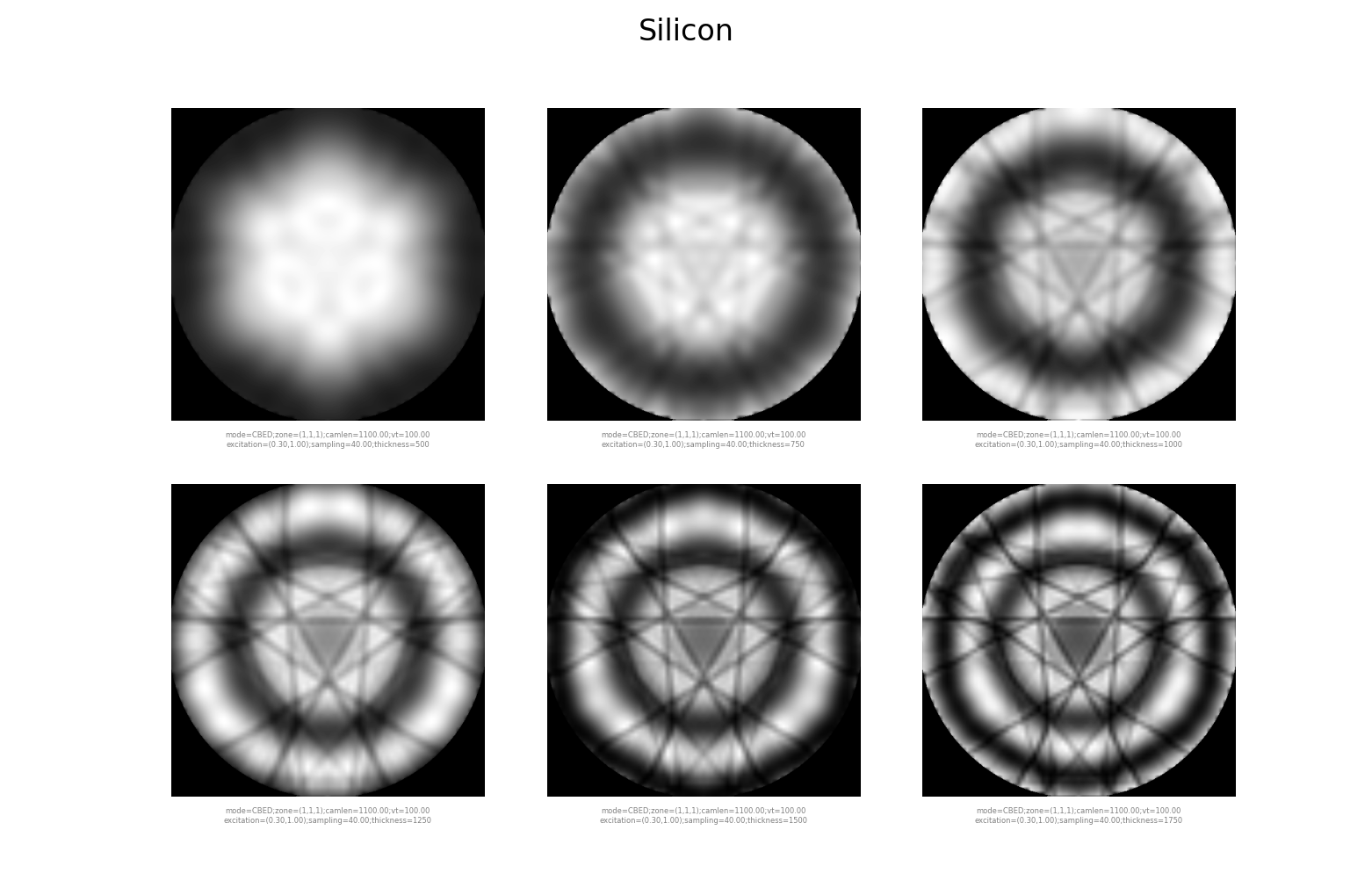
Dynamic (Bloch wave) CBED patterns for Silicon, in parallel processes.
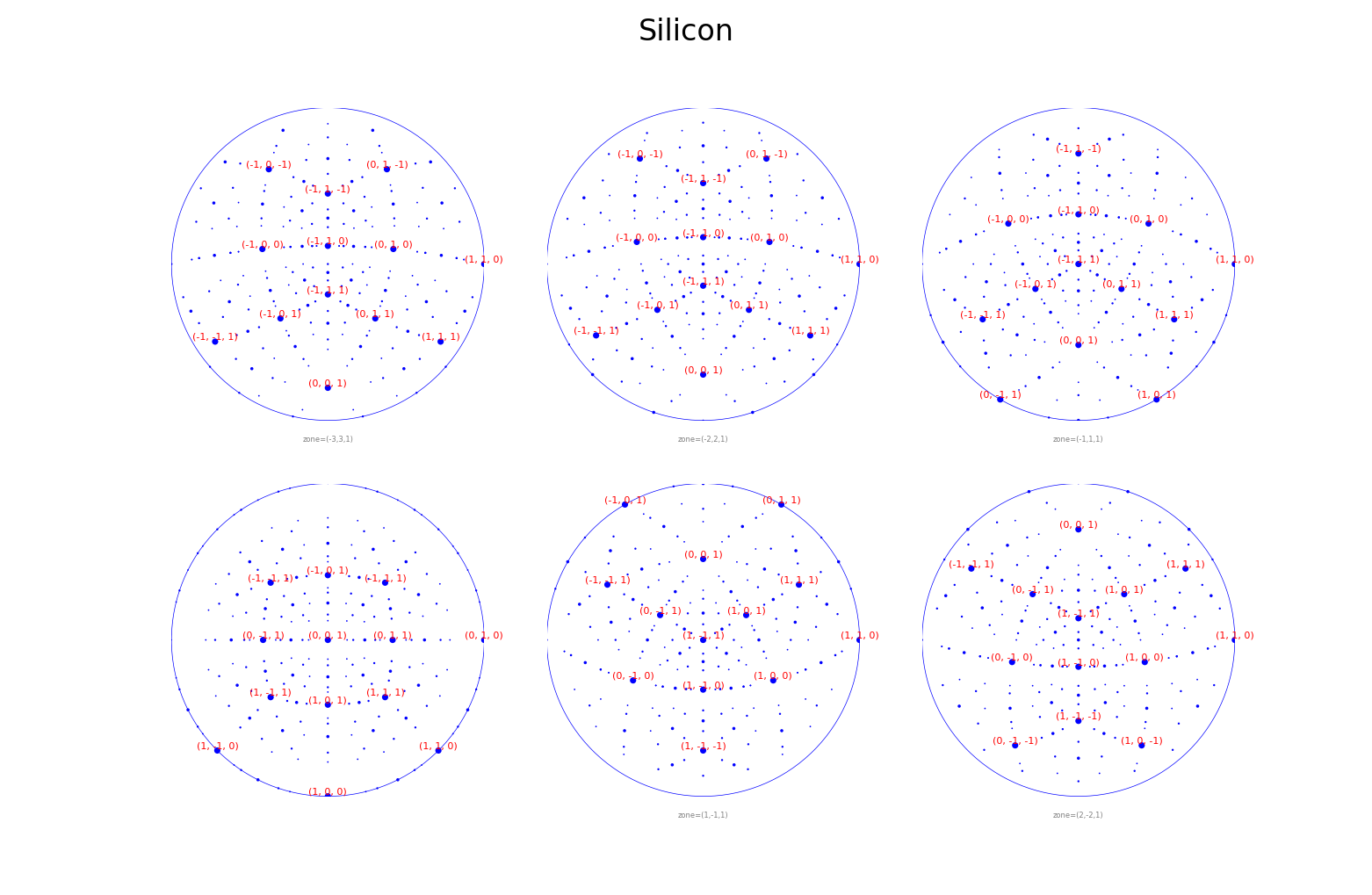
Indexed stereodiagrams for Silicon over a series of tilts and a series of zone axes.
Guide: Stereodiagrams
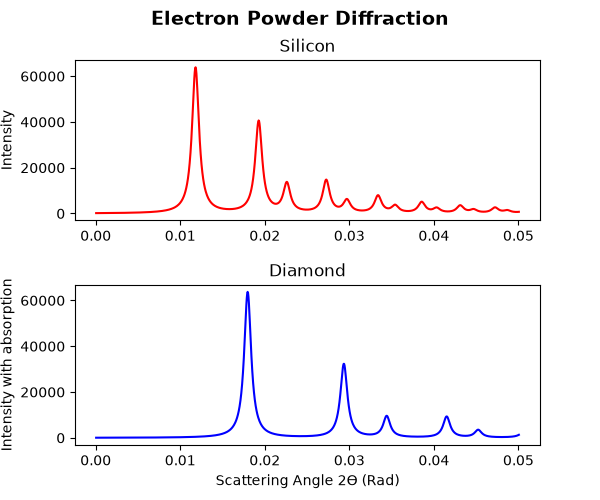
Electron powder diffraction profiles for Silicon and Diamond.
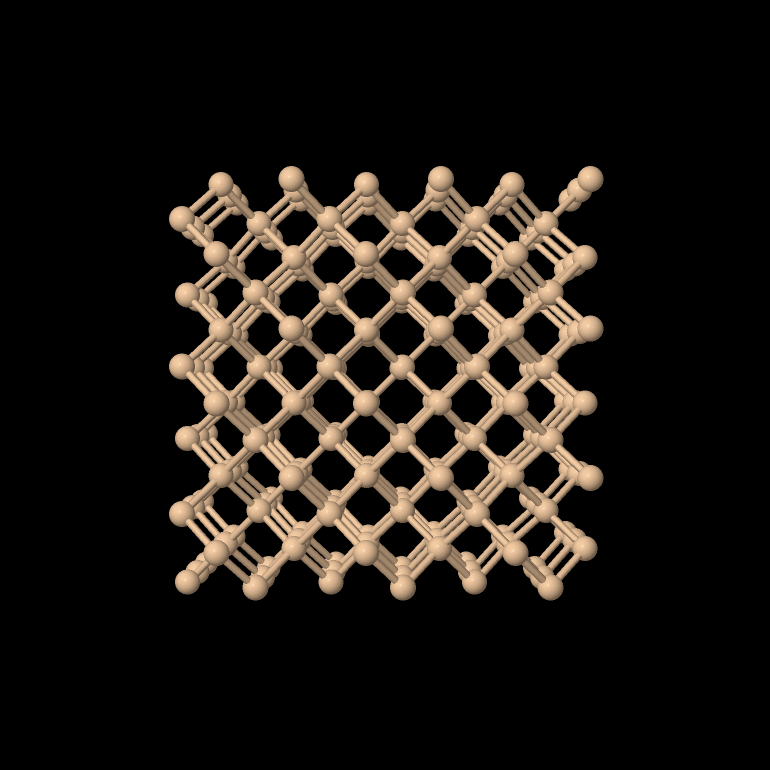
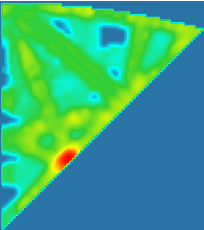
Generates an Aluminium pattern database and indexes the sample image al.img.
Guide: 4D-STEM pattern indexing
More samples#
si_lacbed.py: large-angle CBED, one image per diffracted beam.
si_csf.py: crystal structure factors.
si_scm.py: the scattering matrix, eigenvalues and diffracted beams of a Bloch session.
al_dpgen.py: generates a diffraction pattern database for Aluminium, used by 4D-STEM indexing. Licensed
convert_image.py: converts a raw image into pyEMAPS’ small-header image format. Licensed
adf.py: annular bright and dark field images and a masked image from an experimental image. It needs adftest900.im3, available from Zenodo; save it in the pyemaps_samples folder. Licensed
dm_diff.py: draws kinematic diffraction patterns in DigitalMicrograph; run it inside DM. See Using results in other tools.